Preventing malicious emails from being sent through your domain





Summary
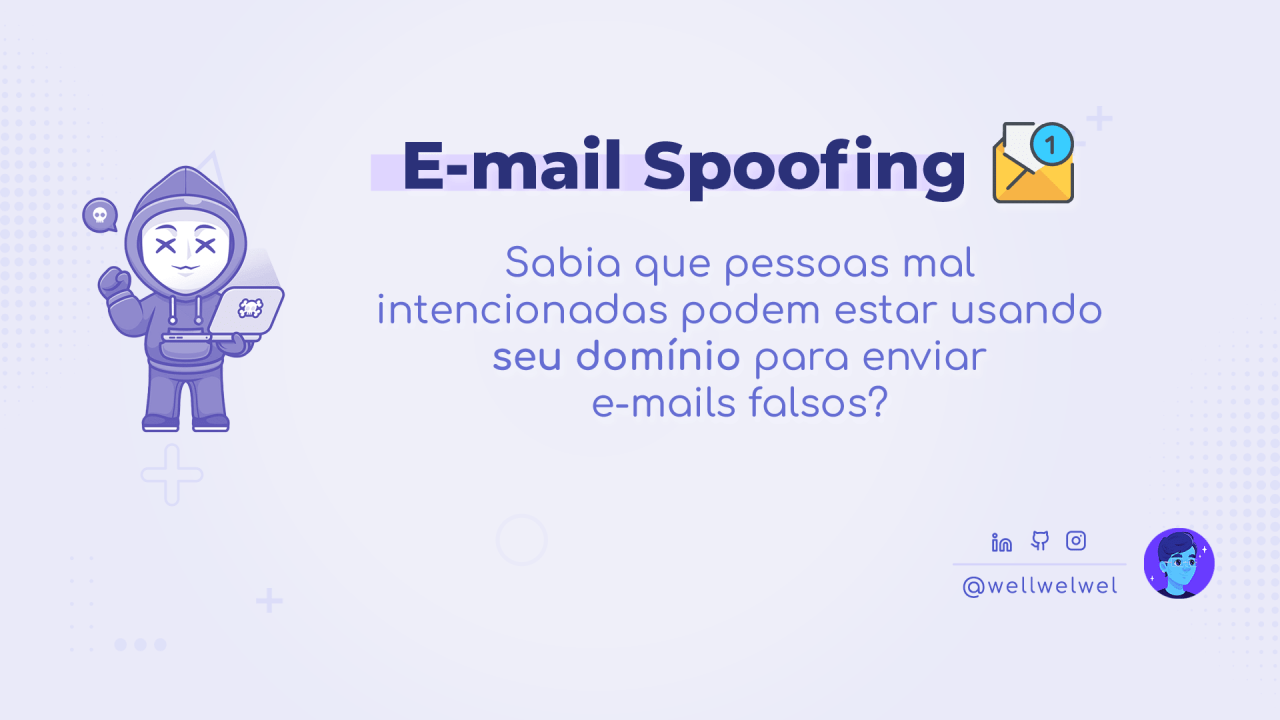
Did you know that malicious people could be using your domain to send spoof emails?
This technique is known as Email Spoofing and exploits the lack of authentication when sending emails from a domain, forging the sender so messages appear to come from a trusted domain.
Both small and large companies can be targeted, as well as personal or abandoned sites. The intent can range from harvesting sensitive data to infecting users' devices — all using valid domains without authorization.
Reasons vary, but here are some very common causes that make this vulnerability possible:
- Lack of knowledge or outright negligence.
- The domain provider requires a separate paid plan for email that the user isn't willing to buy.
Possible Negative Impacts 👾
- Loss of credibility.
- Blocking by email providers (where even your legitimate messages may be marked as spam or never reach recipients).
- Loss of the domain (complaints, legal actions, or severe reputation damage).
How to Protect Yourself? 🤝
In this article I'll cover SPF, DKIM, and DMARC to protect your domain and help prevent malicious actors from sending unauthorized messages on your behalf.
DNS
DNS is where you configure records related to your domain, such as subdomains, redirects, and email sending and receiving.
When buying a domain, users often focus on the hosting IP. That's where a common problem lives: once the domain appears to be working, the user may assume the job is done.
With that said, let's review the main email-related records:
MX (Mail Exchange)
The MX record is responsible for receiving emails, directing messages for your domain to the server that handles incoming mail (for example, Google Workspace, Zoho).
Without it, emails sent to you will never reach your inbox.
SPF
The SPF record specifies which servers are authorized to send emails on behalf of your domain, helping to prevent malicious actors from using your domain.
It's especially important against Email Spoofing and is commonly ended with the ~all mechanism.
Tip:
While most mail servers recommend ~all for flexibility, if your domain has been a victim of Email Spoofing or you want stricter protection, you can use -all to strictly reject unauthorized senders. Note this increases DNS configuration complexity and requires manual updates whenever you add new email services.
DKIM
The DKIM record adds a digital signature to emails sent from your domain, allowing the receiving server to verify the message truly came from you and wasn't tampered with in transit. It's an essential complement to SPF.
This helps protect your domain's reputation and the recipients, and it can indirectly reduce the chance of your emails being flagged as spam.
DMARC
The DMARC record lets you define how mail servers should handle messages that fail SPF or DKIM checks, and it provides detailed reports about unauthorized attempts to use your domain, enabling you to monitor abuse.
Free Solutions and Alternatives 🌟
If your provider doesn't offer email hosting or you don't want to pay for a plan, you can use Cloudflare's free Email Routing to forward your domain's emails to another address (for example, a personal Gmail).
Zoho can also be a good alternative — it lets you host your domain's email with a dedicated dashboard without forwarding, though the free tier has some limitations.
— Enjoyed learning a bit more about security? 🔐
This article is not sponsored; these are suggestions I use both personally and professionally 🙋🏻
This article was originally posted on LinkedIn.
Have you ever received fake emails that appear to come from real accounts? Learn why configuring your site's DNS matters and how to protect yourself both as a user and as a developer 📨🎣
I constantly receive malicious emails, and the ones that stand out most are those coming from valid domains of real (and reputable) companies.
But how can someone use a domain without authorization? 🤨
This technique is known as "Email Spoofing" and is covered in more detail in the article; this post focuses on how we can protect ourselves as users.
🧑🏻🔬 Let's go:
One email in particular caught my attention because the domain used belonged to one of the country's top 10 companies. I opened it in a controlled environment — and as a reminder, an incognito browser tab is not a controlled environment 🧙🏻♂️
I thought it would be "just" a fake login page, but there were multiple redirects and permission prompts in the browser before reaching the login screen 🎣
These redirects can be used to steal cookies or request camera and microphone permissions without our consent.
Because the email appears to come from a domain we trust, it can lead us to click links, accept permissions (which browsers may have enabled by default), or even enter credentials on a fake site.
How to protect yourself as a user? 🔐
- Be suspicious of emails offering something you didn't request, regardless of the sender.
- Check whether the domain makes sense for the message — for example, if you receive a bill supposedly from a company but the domain comes from elsewhere (even if it's real).
- Prefer using a computer instead of a phone to open links, so you can hover over the link to see the real destination before clicking.
- Does the link start with the expected site but include an @? Be careful — this can be URL obfuscation, which hides the real destination.
- Is there an attachment in the email? Never download or open it, no matter how curious the message makes you.
- If in doubt, contact the company's official channels (not the ones listed in the email).
When a company's domain is used for these purposes, it's worth noting the company is also a victim — but that doesn't mean it's free from responsibility. That brings us to the next topic:
— Enjoyed learning a bit more about security? 🔐